

Any Image into ASCII Art
Turn any photo into stunning ASCII art with our free online image to ASCII generator. Create pixel art, text banners, and retro terminal graphics instantly.


Image to ASCII Art Generator
Upload your own photo or generate one using AI, then convert it to ASCII art instantly in your browser. Fully customizable, 100% private, and completely free.


Detailed ASCII
Explore ASCII Art Creations
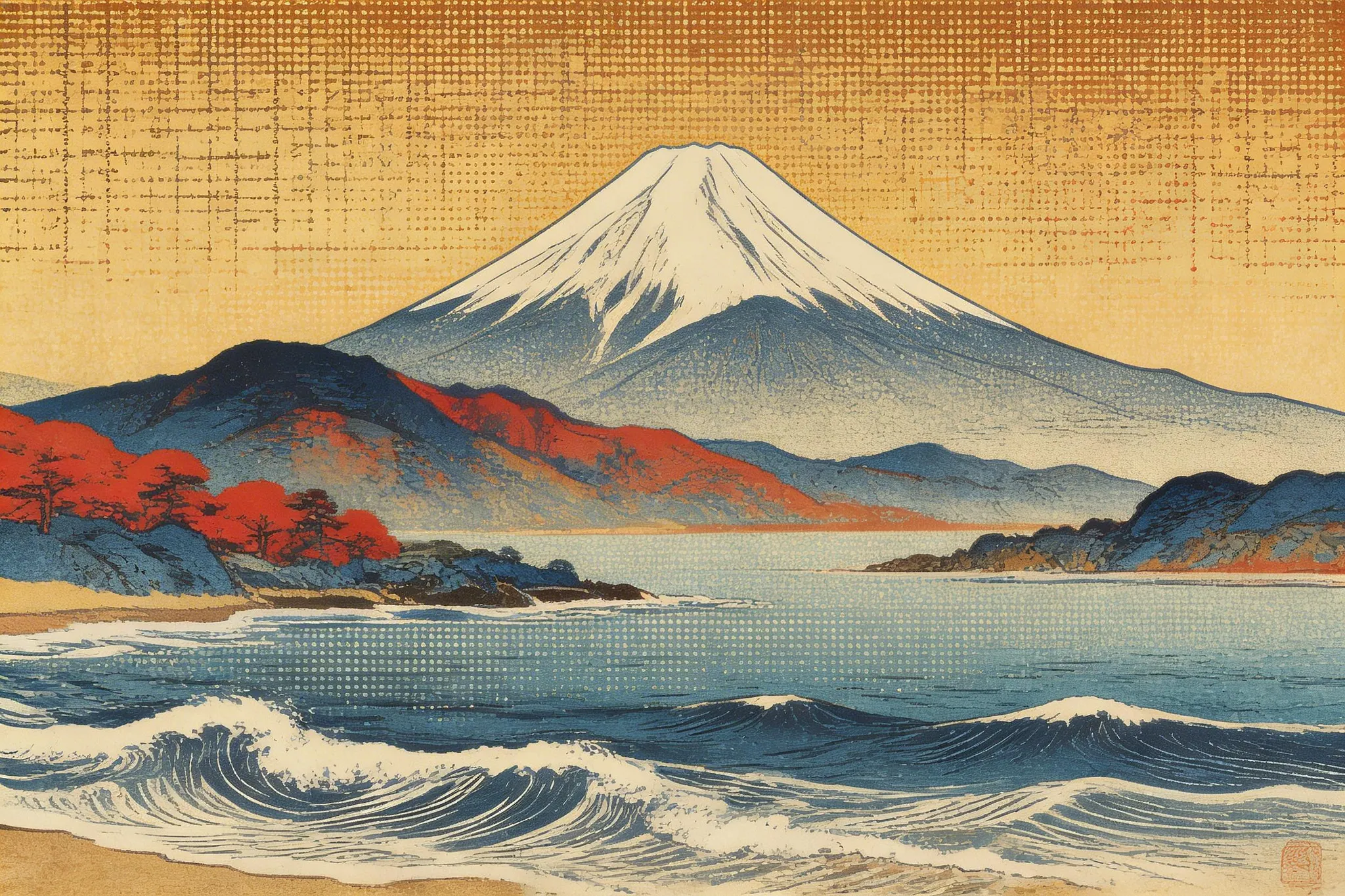
Mount Fuji
The iconic silhouette of Mount Fuji rendered with carefully balanced character density.
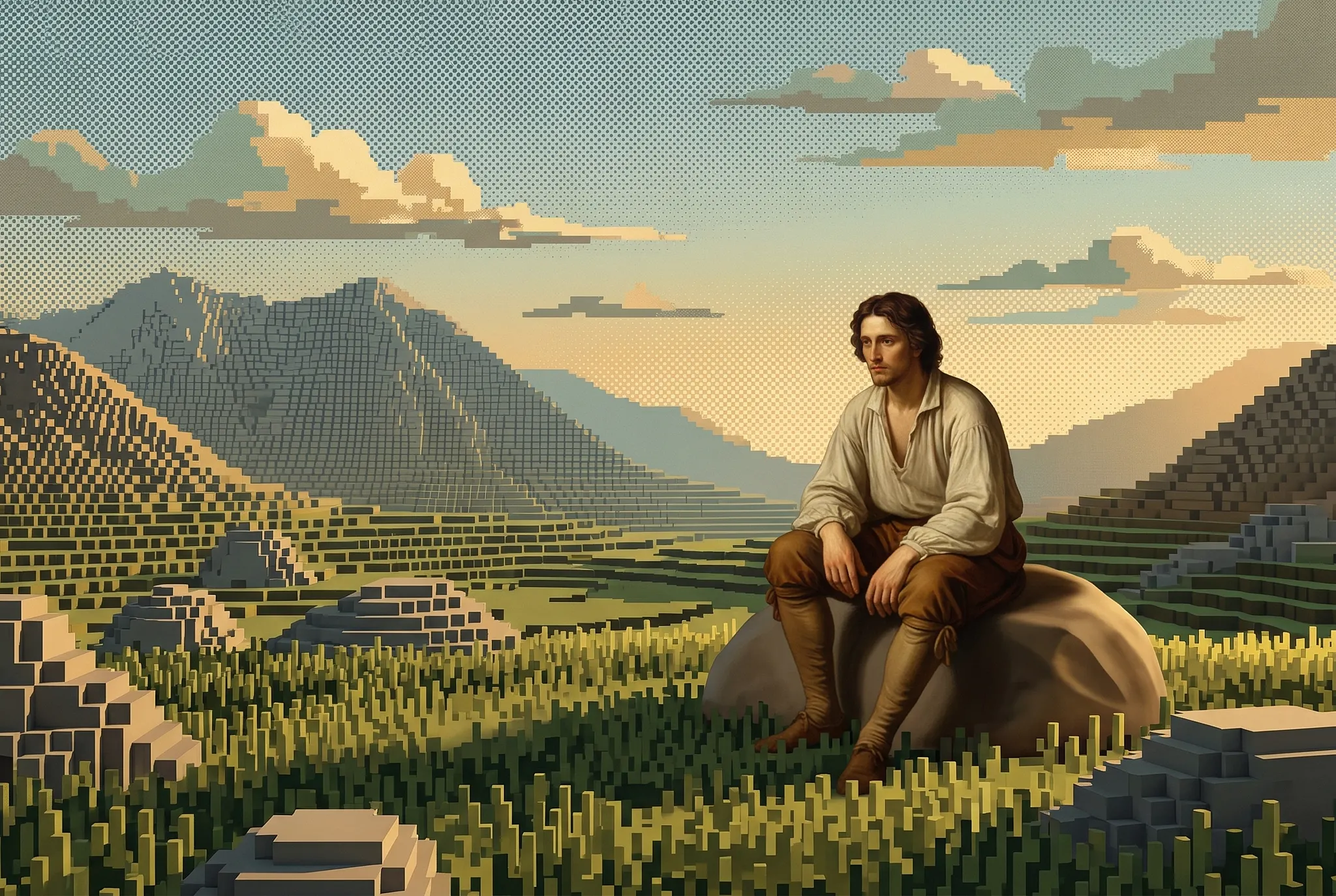
Quiet Solitude
Subtle textures of the landscape and solitary figure preserved through carefully selected ASCII characters.
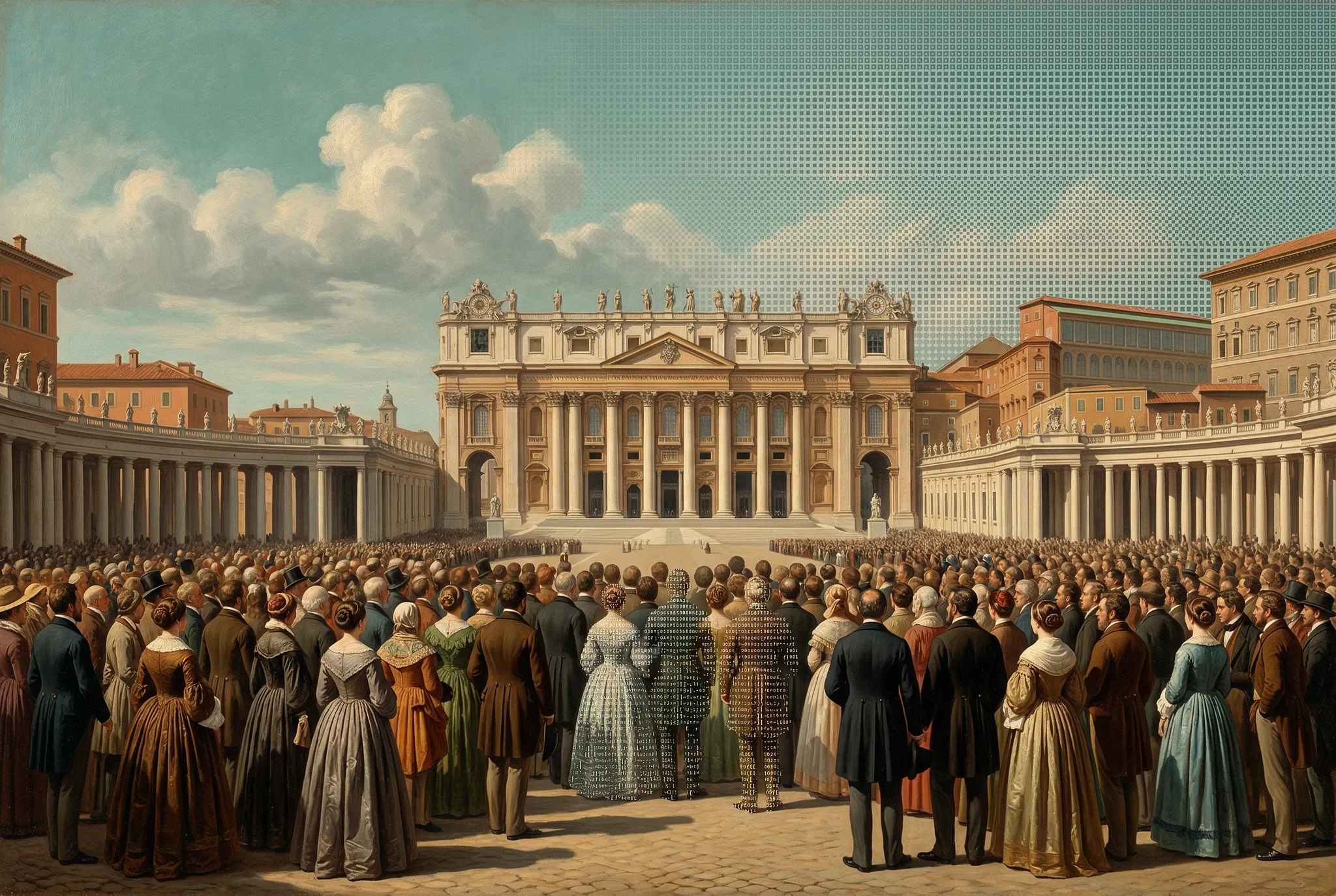
Historic Square
Architectural details and bustling crowds rendered with crisp, high-contrast ASCII characters.
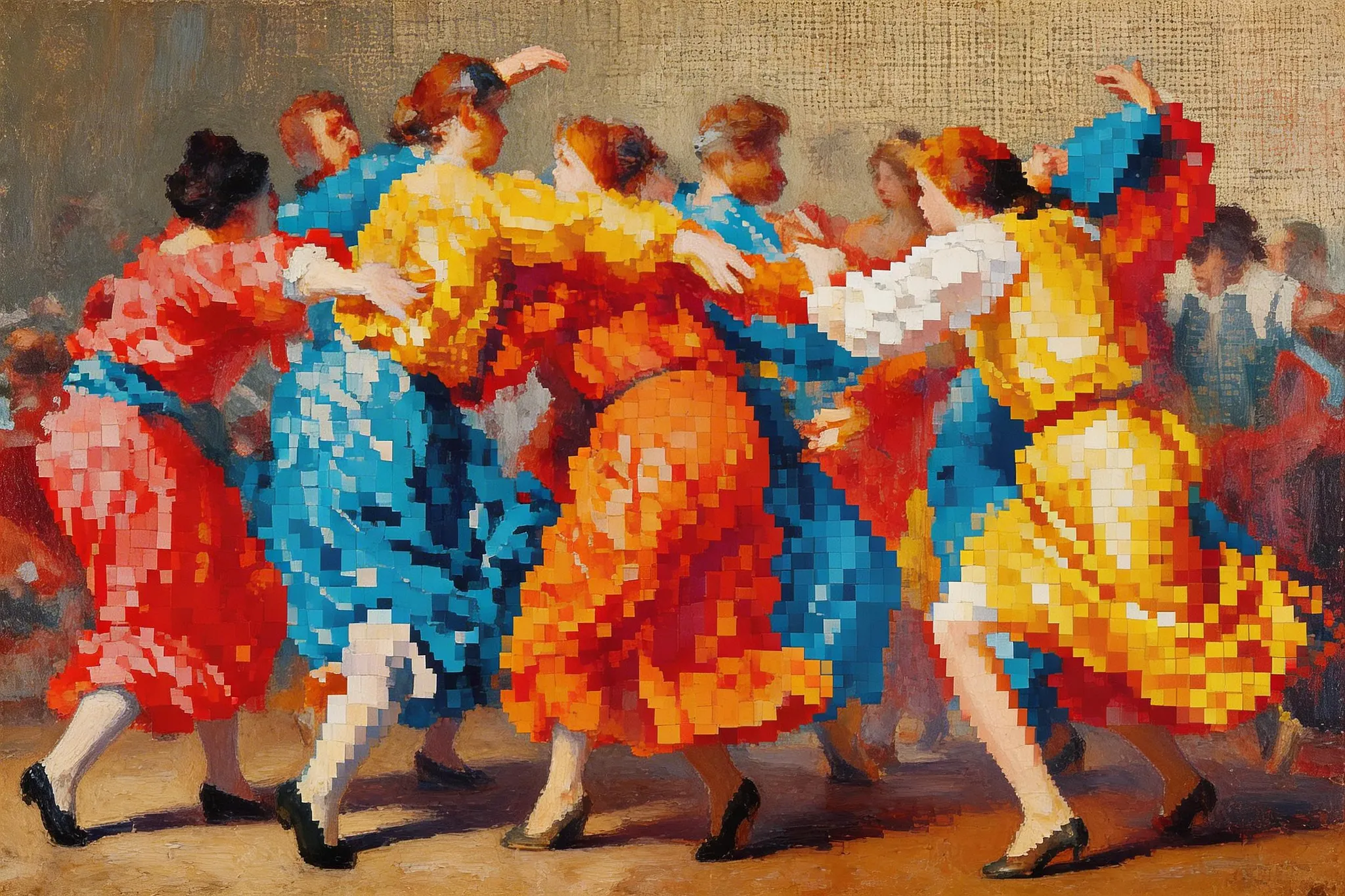
Vintage Dance
Dynamic movement and lively atmosphere translated into expressive ASCII art.
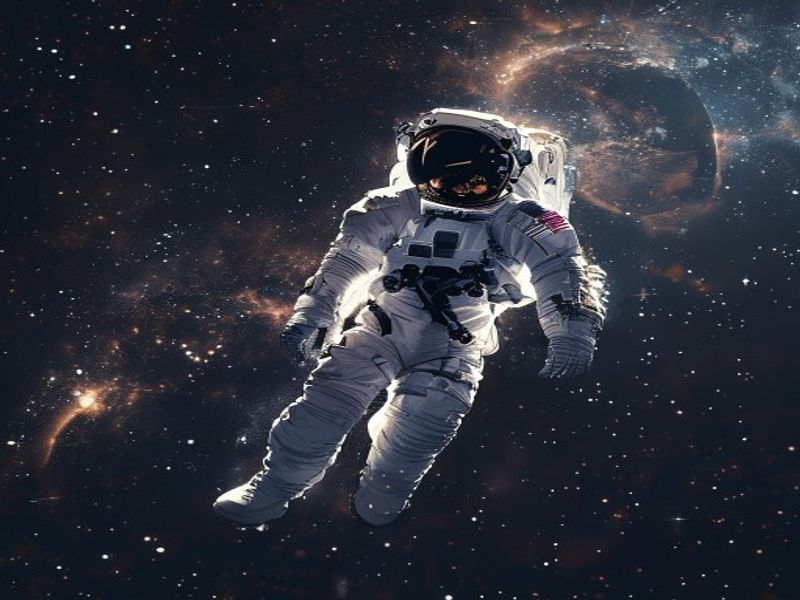
Bright highlights and deep shadows make this image ideal for high-density ASCII rendering.
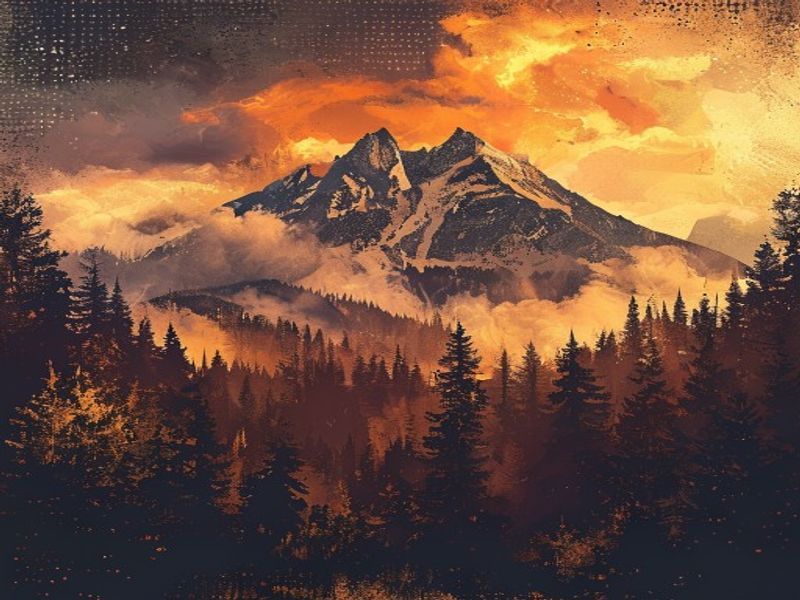
Soft gradients and natural textures are preserved with smooth character transitions.
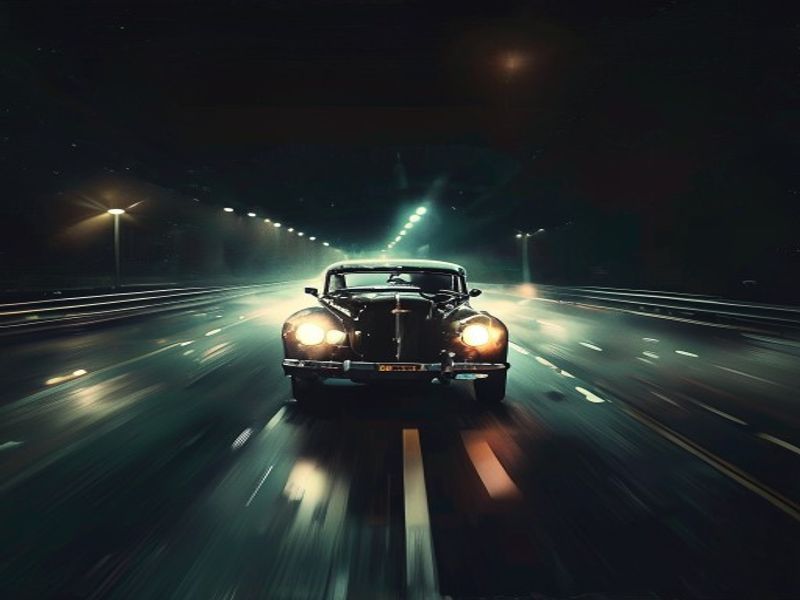
Strong contrast between headlights and darkness creates dramatic ASCII output.
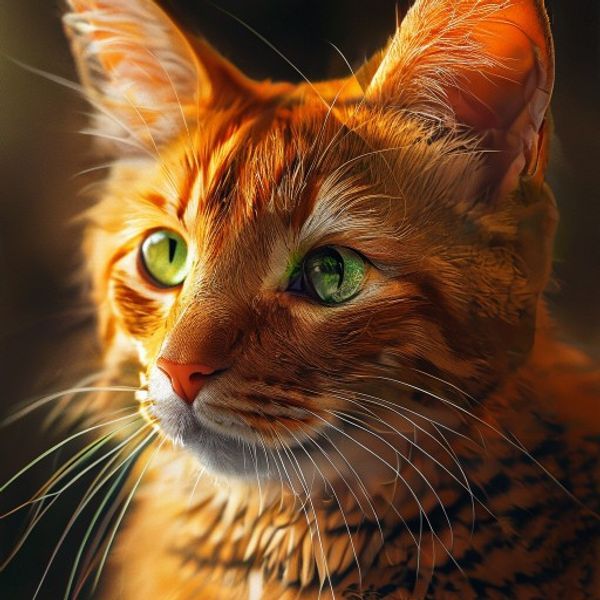
Fine fur textures and expressive eyes highlight the precision of ASCII rendering.
Everything you need to create ASCII art
Smart Conversion
Preserves fine details, edges, and textures for clean, high-quality ASCII art.
Fully Customizable
Fine-tune character sets, density, contrast, and brightness to create the perfect ASCII art.
High Resolution
Export high-resolution PNG images or copy raw ASCII text for use anywhere.
100% Private
Your images never leave your browser. All processing happens locally on your device.
What Users Say About ASCII ART
Image to ASCII is insanely good. The output quality is next level!

A must-have ASCII art generator for designers and retro aesthetics lovers.

We integrated the image to ASCII generator API and our users love it!

Finally an ASCII generator that doesn't just squash my images. The custom charset options are incredibly flexible!

Love the retro text art style and how fast it converts images right in the browser.

Image to ASCII is insanely good. The output quality is next level!
A must-have ASCII art generator for designers and retro aesthetics lovers.
We integrated the image to ASCII generator API and our users love it!
Finally an ASCII generator that doesn't just squash my images. The custom charset options are incredibly flexible!
Love the retro text art style and how fast it converts images right in the browser.
Image to ASCII is insanely good. The output quality is next level!
A must-have ASCII art generator for designers and retro aesthetics lovers.
We integrated the image to ASCII generator API and our users love it!
Finally an ASCII generator that doesn't just squash my images. The custom charset options are incredibly flexible!
Love the retro text art style and how fast it converts images right in the browser.
Frequently Asked Questions
An ASCII art generator is a free online tool that converts standard images, graphics, and photos into text-based art (ASCII art) using character grids. Our image to ASCII generator analyzes pixel brightness levels and maps them to different text characters.
When you upload an image, our tool splits it into small cells. It calculates the brightness of each cell and replaces it with a corresponding character from a dense-to-sparse ramp (e.g. '@' for dark areas, '.' for light areas), rendering a complete picture made of text.
Yes! The core image to ASCII generator is 100% free with no hidden charges, watermarks, export limits, or account registration requirements. You can convert as many photos to ASCII art as you want.
Our core tool is currently optimized for high-quality static image to ASCII and text to ASCII conversions. We are working on a video to ASCII mode for rendering moving text animations in real-time.
If you don't have a source photo, switch to 'Generate with AI' mode. Type a description, and the built-in AI will paint an image that is immediately and automatically processed into ASCII art.
No, your privacy is protected. The conversion runs entirely client-side in your browser using HTML5 Canvas. Your source photo is never uploaded to any server and stays on your device.
The ASCII art maker supports all common web image formats, including JPG, JPEG, PNG, WebP, and GIF. It converts them to clean text grids instantaneously.
Absolutely! You can click the 'Copy as text' button to copy the raw text characters to your clipboard, allowing you to paste it into terminals, code comments, or README files.
We offer four presets: Standard (balanced characters), Detailed (larger range of glyphs for fine details), Blocks (bold block characters for a retro pixel art feel), and Minimal (clean and sparse).
You can select different preset charsets or type in your own sequence. The generator will automatically distribute them based on their visual density from dark to light.
Yes. Any ASCII art you create from your own images or AI prompts is fully yours. You can use it in commercial designs, games, merchandise, website headers, or print media.
ASCII art relies on clear forms. Try choosing a high-contrast image with a simple background, raise the detail slider, adjust the contrast, or toggle the Invert setting for better readability.
Yes! You can toggle the 'Color' setting on. It will colorize the text characters to match the hues of your original photo, creating a modern, vibrant retro-future look.
By using the 'Blocks' charset style and increasing the detail density, you can generate blocky, retro pixel art that resembles classic 8-bit game graphics.
Use the 'Invert' toggle. By default, dense characters stand for dark areas. Inverting maps them to light areas, which looks much better when displayed on dark terminal windows or dark-themed sites.
Local browser-based image to ASCII conversion is instant, requires zero wait times, doesn't consume your network data for uploads, and ensures 100% privacy since your photos remain offline.
Yes. The website features a responsive layout designed for both desktop and mobile. You can upload photos directly from your phone camera roll and convert them on the go.
For text banners, it's best to use bold fonts and high-contrast styling. It ensures that the letters stay sharp and readable when translated into a monospace text grid.
You can export the converted ASCII art as a PNG image at up to 4x the screen resolution. This ensures the characters look sharp even when printed on large-format poster designs.
Yes, our engine is highly extensible. The codebase is clean, modular, and developer-friendly, making it simple to export the core canvas translation functions as a utility or an API endpoint.

The Complete Guide to ASCII Art Generation
ASCII art is a form of digital art created using the printable characters from the ASCII (American Standard Code for Information Interchange) character set. From simple text-based smileys to intricate photo-realistic conversions, ASCII art has evolved into a creative medium used by developers, designers, and digital artists worldwide. Our free ASCII art generator makes it effortless to transform any image into stunning text-based artwork.
How Does an Image to ASCII Converter Work?
An image to ASCII converter works by analyzing the brightness and color values of each pixel in your source image. The algorithm maps these pixel values to ASCII characters based on their visual density — darker areas are represented by characters like @ or #, while lighter areas use characters like . or space. The result is a text-based recreation of your original photo that captures its essence through typographic characters. Our ASCII art generator processes everything locally in your browser, ensuring your images never leave your device.
Features of Our Free ASCII Art Generator
Our online ASCII art generator offers a comprehensive set of features designed for both beginners and advanced users. Convert images to ASCII art with adjustable detail levels, choose from multiple character sets including standard, detailed, block, and minimal modes. Fine-tune contrast, invert colors, enable color ASCII output, or export your creation as a high-resolution PNG. The tool supports batch processing, custom crop ratios, and transparent backgrounds — everything you need to create the perfect ASCII art from any photo or image.
Why Choose a Browser-Based ASCII Art Converter?
Unlike traditional ASCII art generators that upload your images to remote servers, our tool runs entirely in your web browser. This means zero upload times, no privacy concerns, and unlimited free conversions. Whether you need to convert a portrait to ASCII art, create text art from a landscape photo, or generate pixel art from digital illustrations, everything happens locally and instantly. Your images stay on your device — nothing is uploaded, stored, or shared.
Common Uses for ASCII Art
ASCII art has diverse applications across creative and technical fields. Developers use ASCII art for code comments, terminal banners, and documentation. Designers incorporate ASCII typography into posters, social media graphics, and brand assets. Content creators generate unique ASCII art for blog posts, presentations, and digital marketing. Educators use ASCII art to teach programming concepts and digital literacy. Our free ASCII art generator supports all these use cases with features like copy-to-clipboard, PNG export, and multiple output formats.
